Know your PC. Tune Windows your way..
CoreX brings real-time system monitoring, 81+ reversible Windows tweaks, junk cleanup, DNS controls, app installs, and restore points together in one open-source desktop app.

A clearer view of your PC. More control over Windows..
CoreX is a free, open-source Windows desktop toolkit. See live hardware and network activity, apply or undo documented system tweaks, clear common caches, manage DNS and apps, and create restore points before making changes.
The essentials for a healthier, more personal Windows PC..
Keep an eye on live system health, choose the changes you want, and use practical tools for cleanup, connectivity, backups, and apps.
Live System
Dashboard
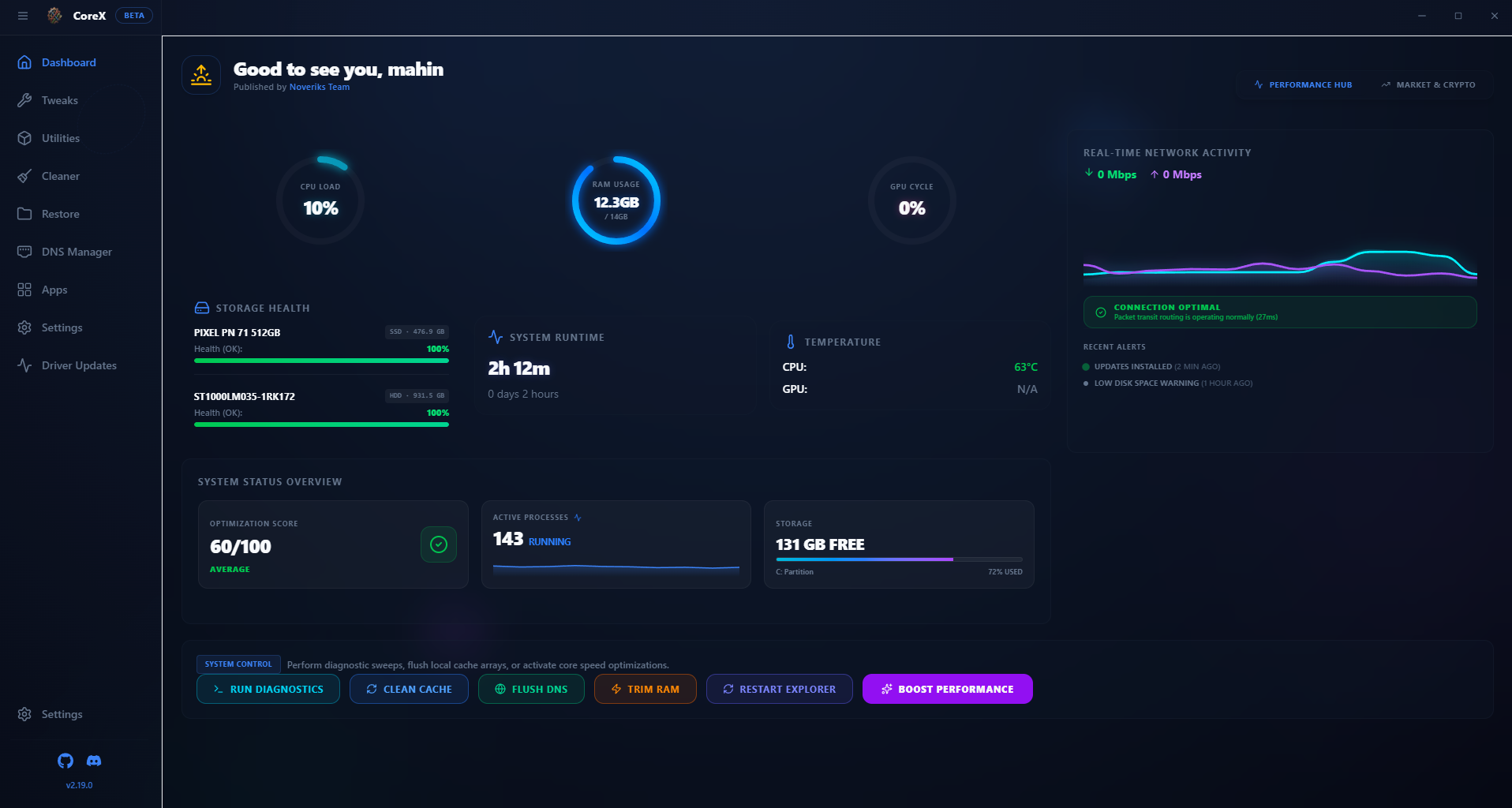
Track CPU, memory, GPU, network speed, temperatures, uptime, storage health, and active processes at a glance.
81+ Windows Tweaks
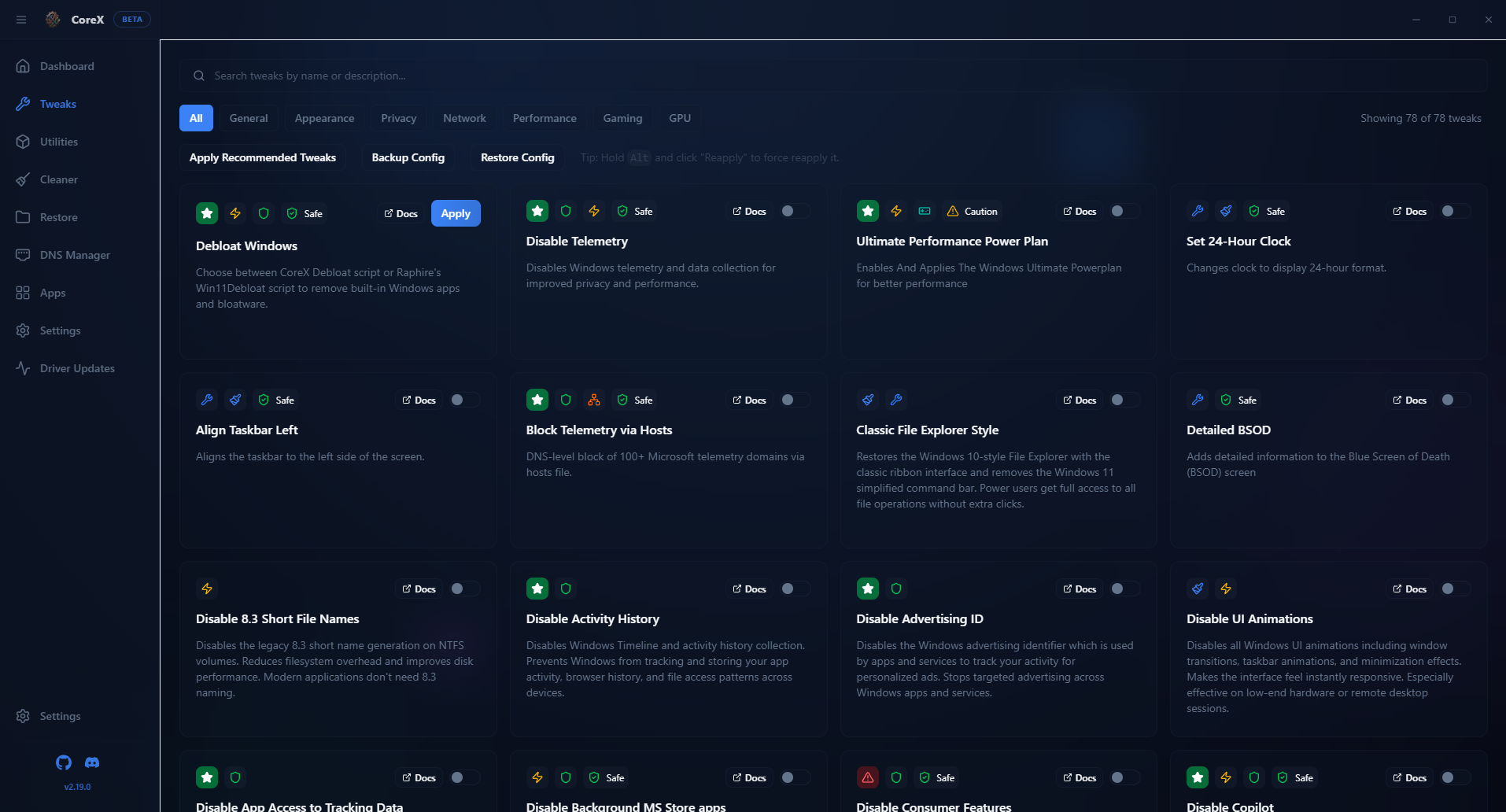
Apply or undo documented, reversible changes for privacy, performance, appearance, gaming, power, and more.
Understand your PC. Change it with care..
Check current system health, choose a documented tool, and keep recovery options close when changing Windows.
Monitor →
Review live CPU, memory, GPU, network, temperature, storage health, and system status.
Choose →
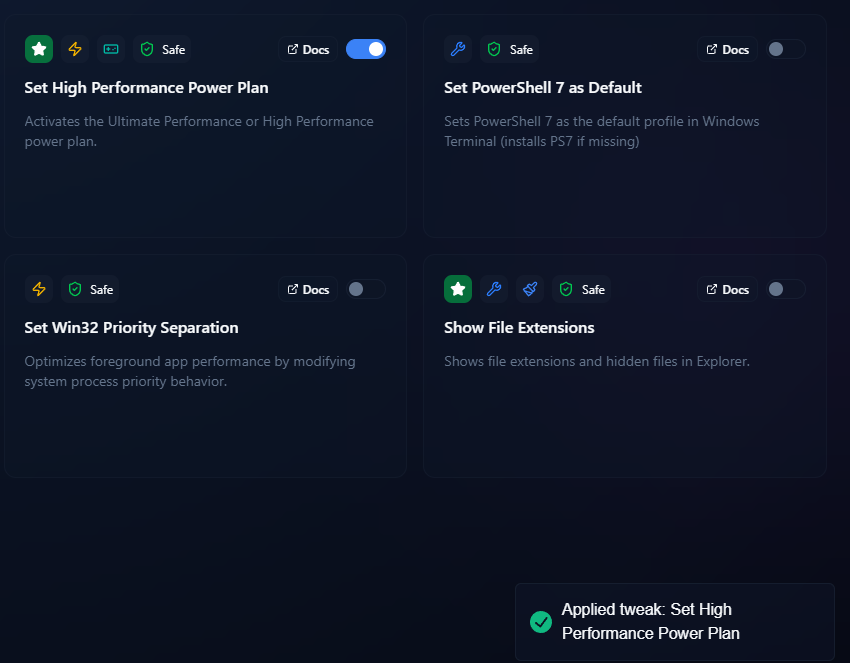
Explore Windows tweaks and utilities, with descriptions to help you understand what each option changes.
Apply →
Apply or revert supported tweaks. Create a Windows restore point before making system changes.

Maintain
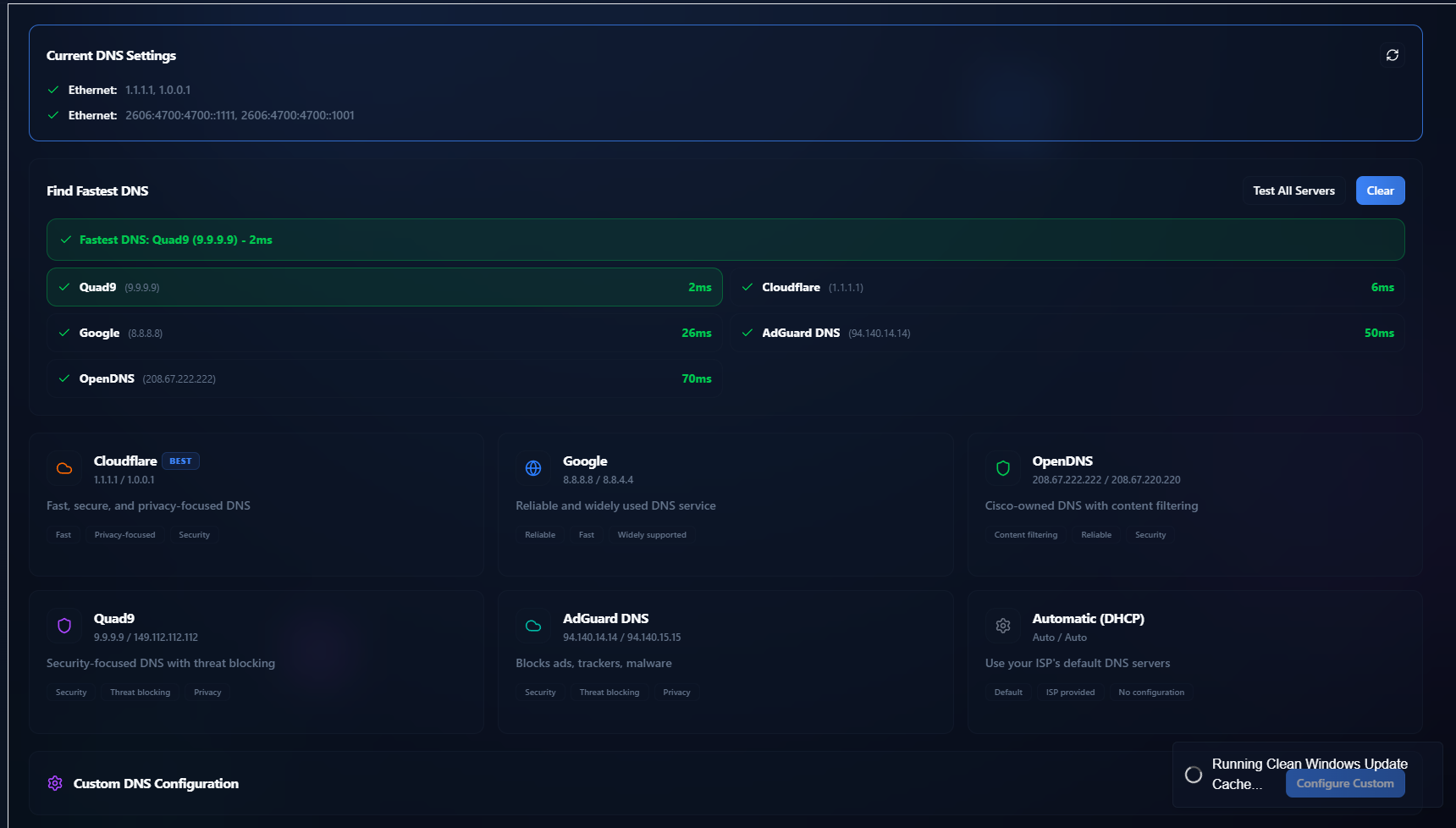
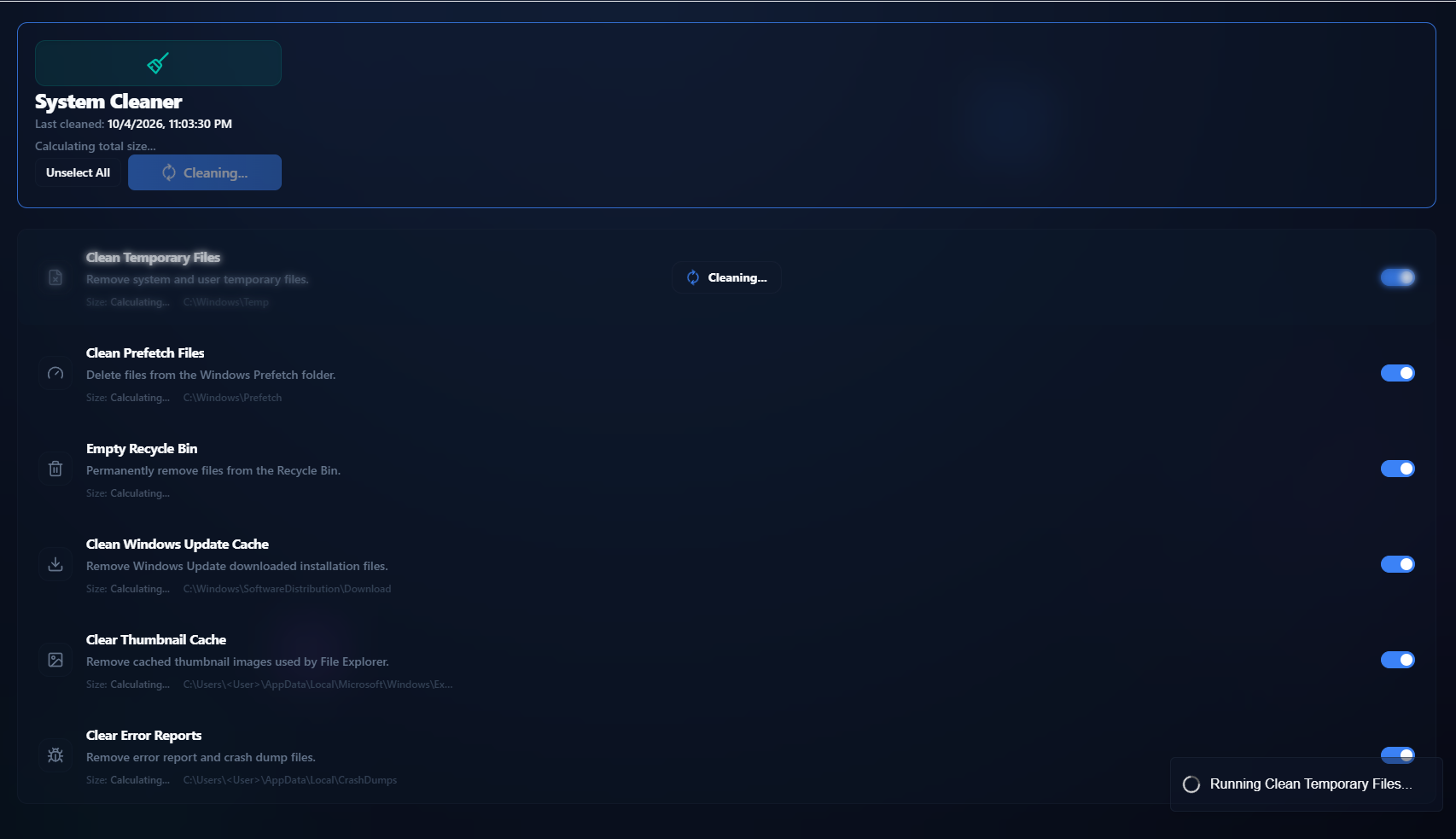
Clear common cache files, manage DNS settings, install apps, and adjust your desktop preferences.
Restore points
Create a Windows restore point before applying tweaks, review existing points, and remove old CoreX backups when needed.

Apps & utilities
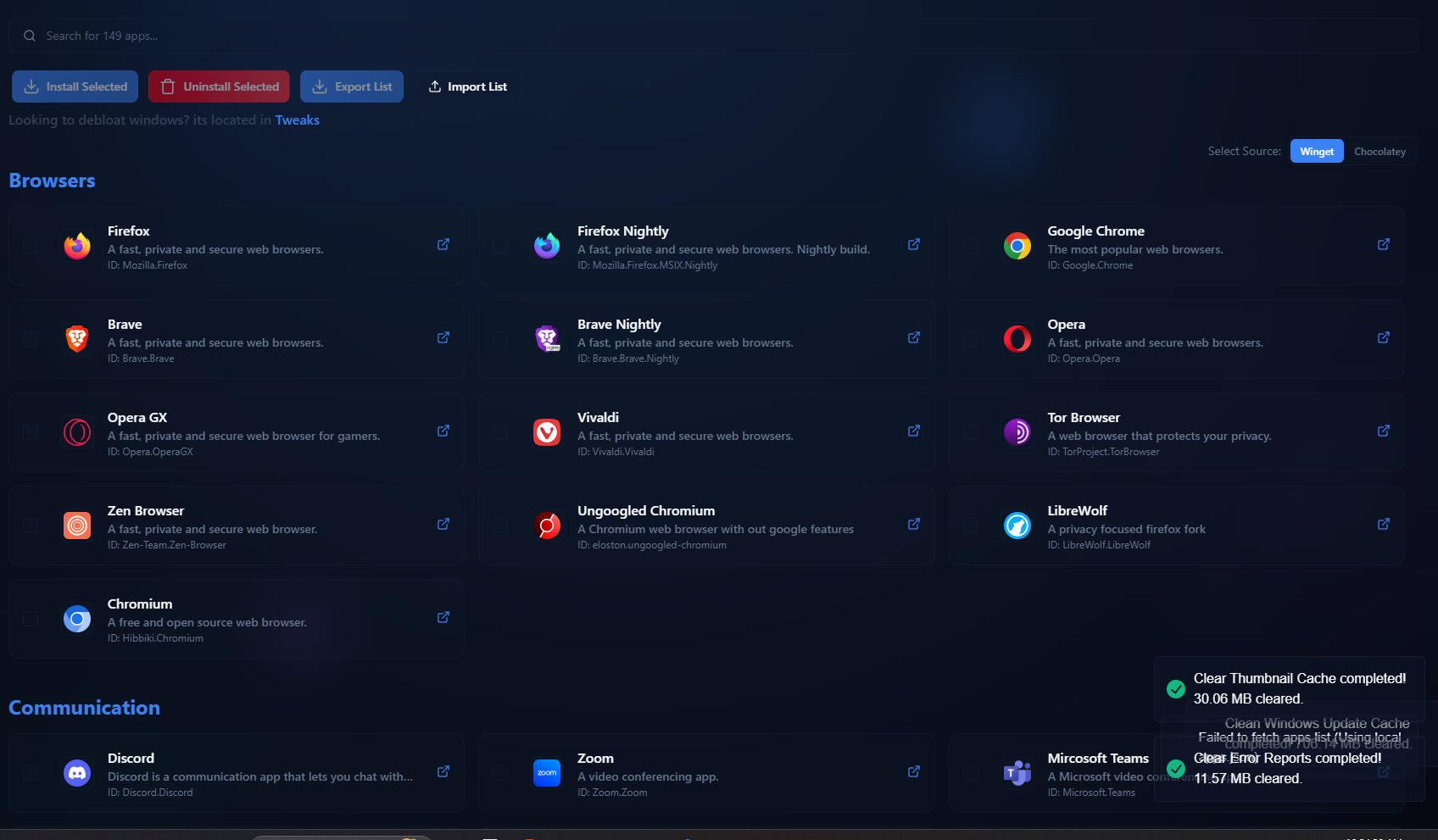
Find and install popular browsers, communication tools, media apps, and developer tools using Winget or Chocolatey.
Practical tools for monitoring, maintenance, and everyday Windows control.
A quick look at what you can do with CoreX.

Take a more informed approach to Windows..
Download the latest CoreX release, review the source, or report a problem on GitHub. CoreX is open source under the MIT License.
Start with the tools to understand and shape your Windows PC..
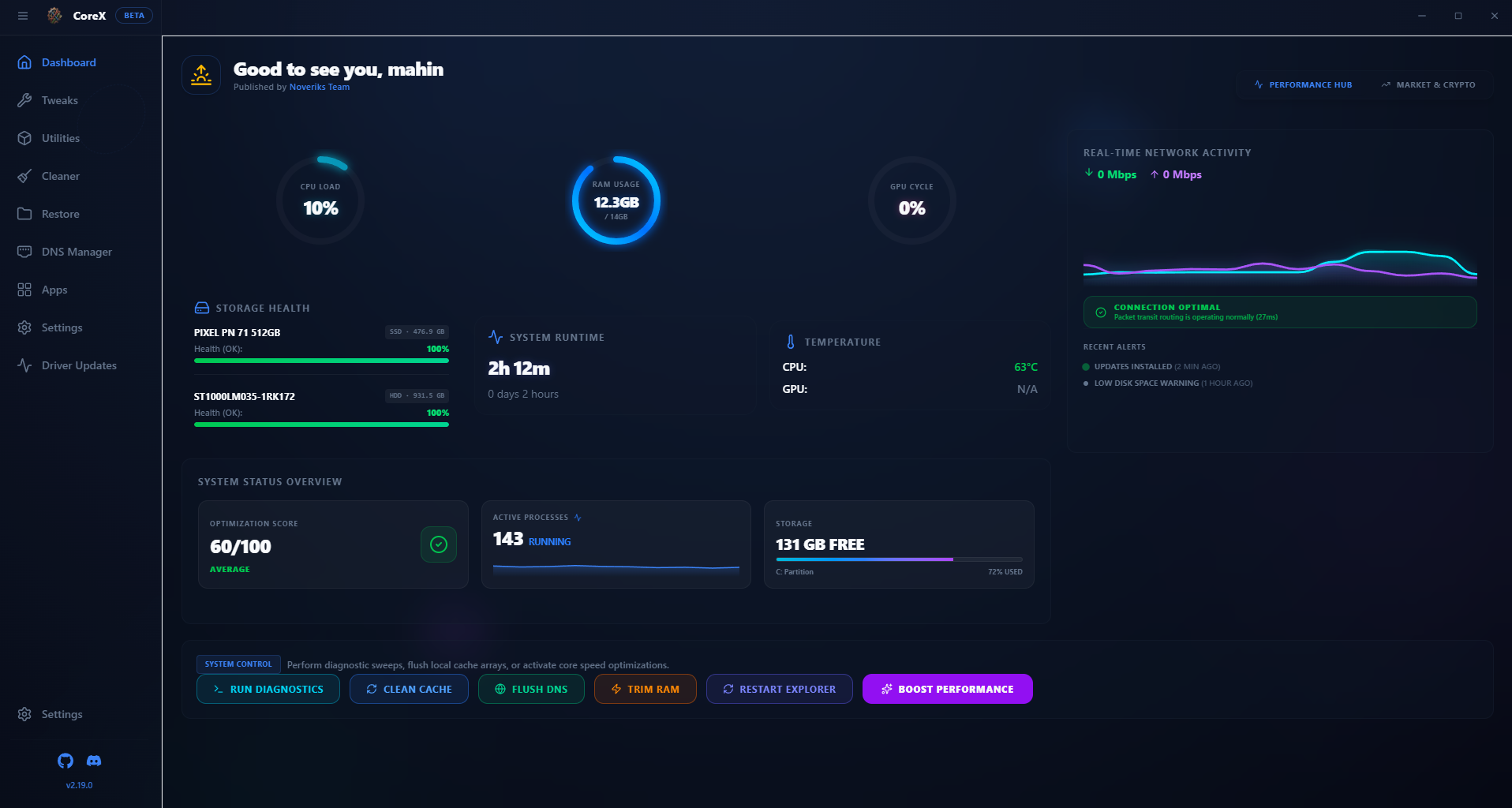
System Monitor
See real-time CPU, RAM, GPU, network, temperature, uptime, storage health, and system status.
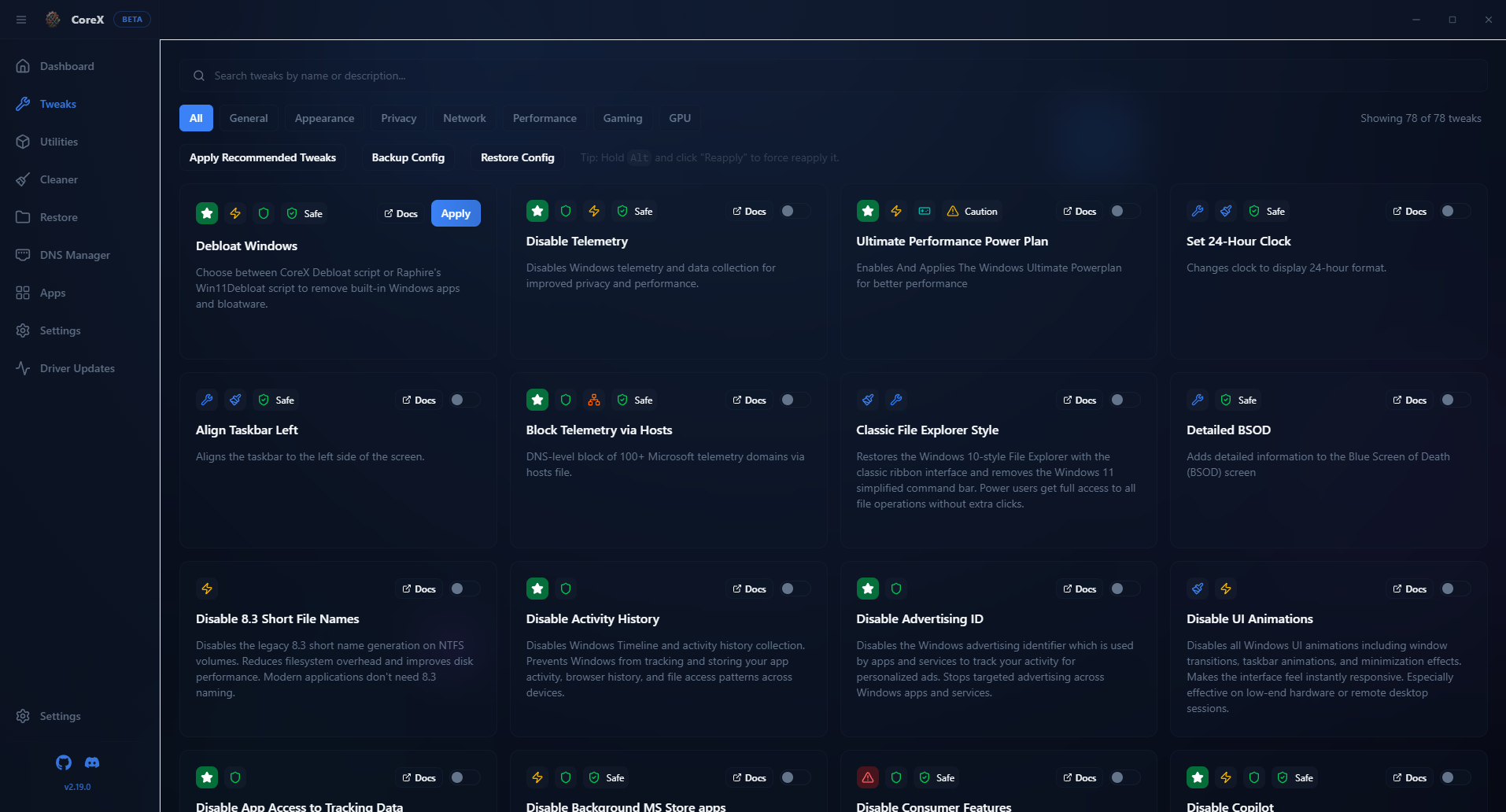
Windows Tweaks
Apply or undo documented settings for privacy, performance, appearance, security, gaming, and power.
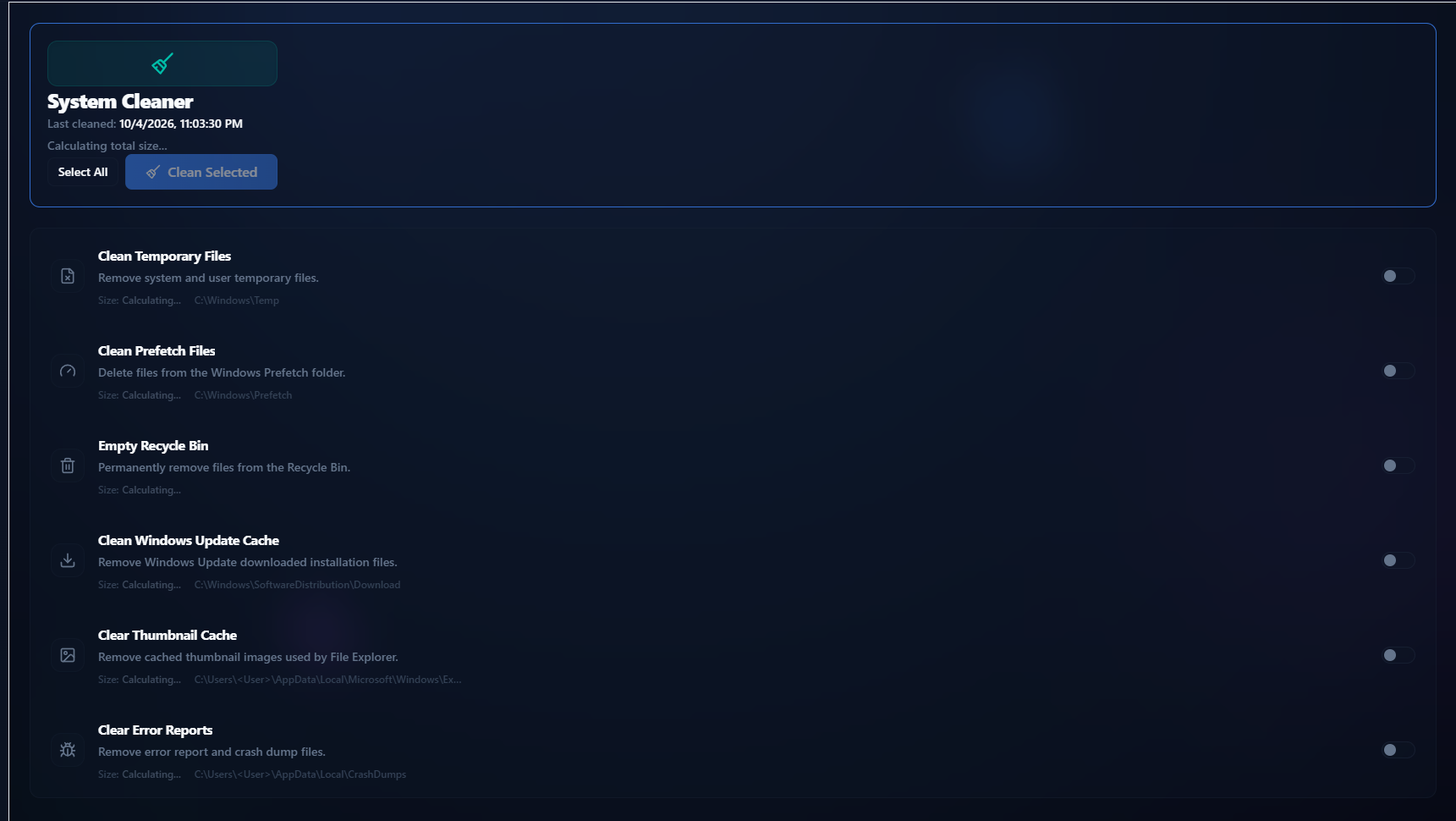
Cleaner
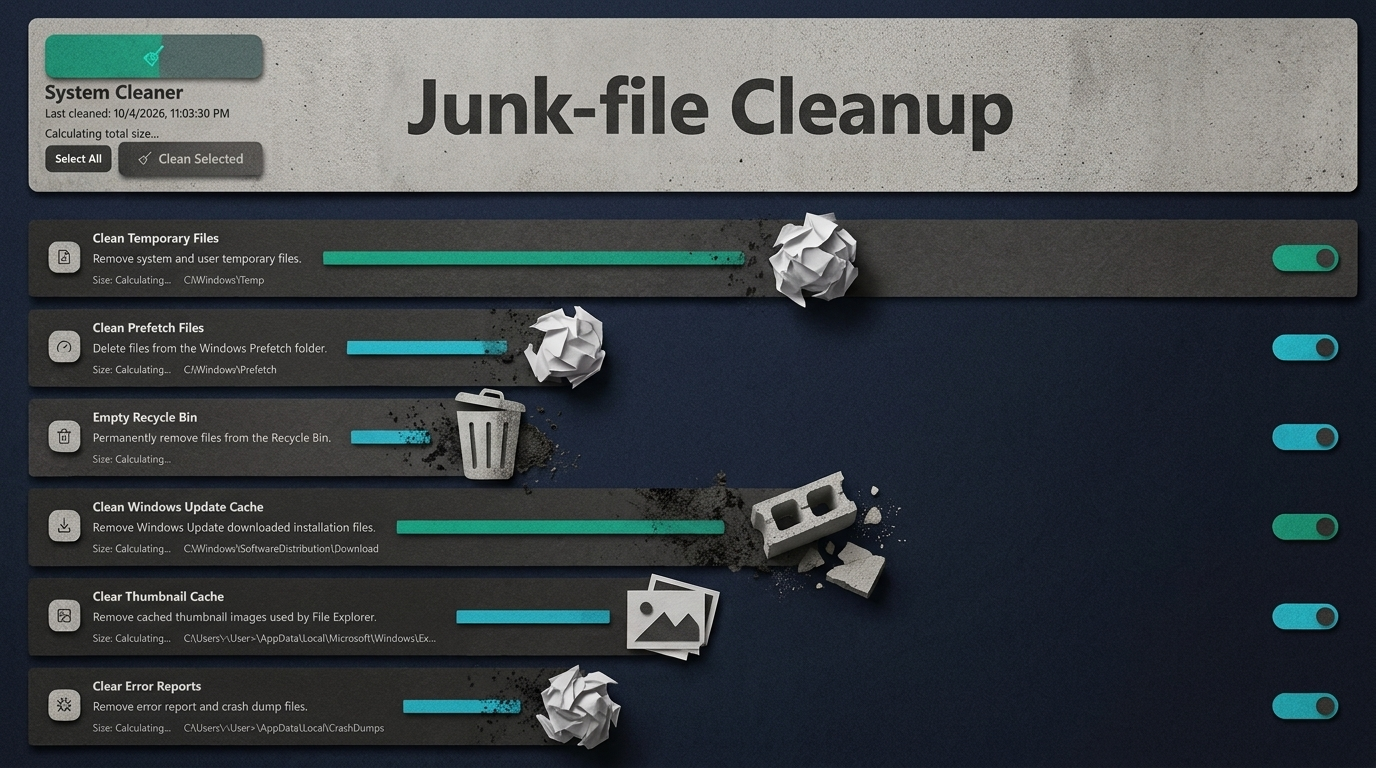
Clear common temporary files, Windows update downloads, thumbnail caches, crash dumps, and more.